MetaTrader 4 (MT4) was the reference forex platform for more than fifteen years. MetaTrader 5 (MT5), its successor from the same developer, MetaQuotes, is now offered by most brokers and prop firms. They look very similar, but their technical differences have real consequences for your trading, your robots and your performance tracking.
Main differences at a glance
- ▸Markets: MT4 is built for forex and CFDs; MT5 also handles stocks, futures and options depending on the broker
- ▸Timeframes: 9 on MT4 (M1 to MN), 21 on MT5 (including M2, M3, M10, H2, H3, H6, H8…)
- ▸Pending order types: 4 on MT4, 6 on MT5 with Buy Stop Limit and Sell Stop Limit
- ▸Depth of market (DOM) available on MT5
- ▸Position accounting: hedging on MT4; netting or hedging on MT5 depending on the account
- ▸Strategy tester: single-threaded on MT4; multi-threaded, multi-currency with real ticks on MT5
- ▸Programming language: MQL4 on MT4, MQL5 on MT5 (object-oriented, faster)
- ▸Built-in economic calendar on MT5
What changes for a discretionary trader
If you place orders by hand, the most visible difference is analysis comfort: more timeframes, the economic calendar inside the platform and more precise orders. MT5 is also faster and better maintained: it is where MetaQuotes focuses its development.
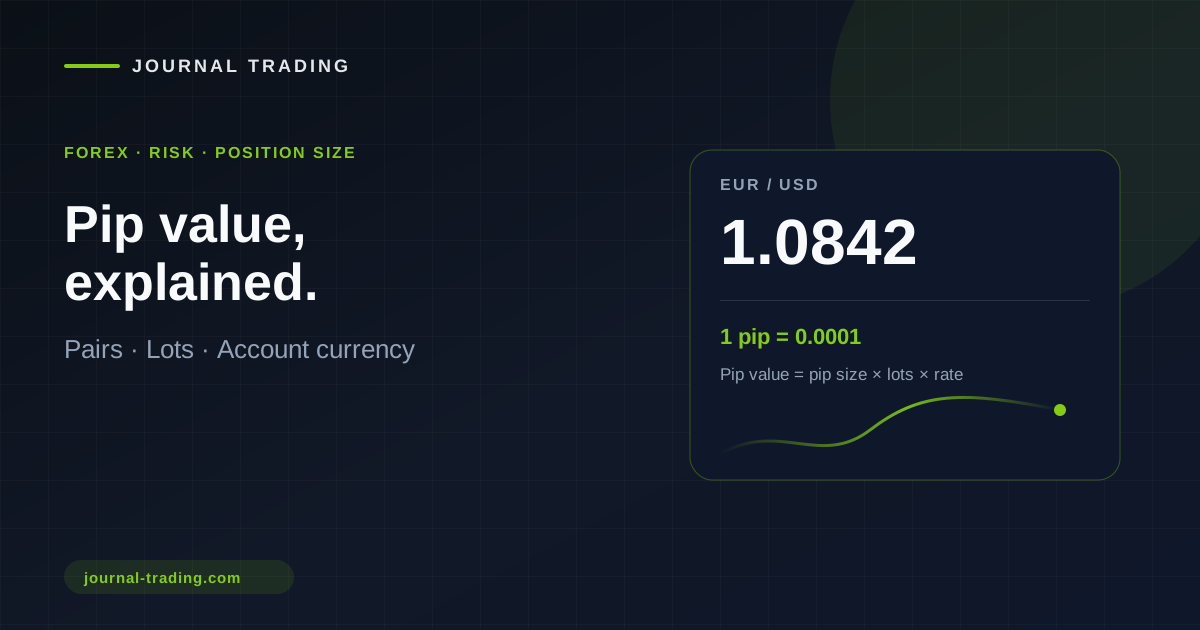
Risk management does not change: you still size positions from your stop. Use the position size calculator and remember that MetaTrader counts in "points" (pipettes): 10 points = 1 pip. Our pip value guide explains it in detail.
What changes for robots and indicators
MQL4 Expert Advisors and indicators do not run on MT5 unless rewritten in MQL5. If you rely on a robot or indicator that only exists for MT4, check whether an equivalent exists on the MQL5 Market before switching. In return, the MT5 tester runs far more realistic (real ticks) and much faster backtests thanks to multi-core processing.
Which one to choose?
- ▸New account or new broker: choose MT5
- ▸Prop firm challenge: MT5 is offered most often, sometimes exclusively
- ▸You also trade stocks or futures: MT5 is required
- ▸You rely on an MQL4 robot with no equivalent: stay on MT4 until you find an alternative
💡 Switching is easy: open an MT5 account with your broker (often in minutes), reinstall your chart templates and test on demo for a week before moving over.
Automatic trading journal with MT5
The big practical advantage of MT5 for your progress: our free, read-only MetaTrader 5 connector sends every closed position to your trading journal automatically. No manual entry, nothing forgotten: your statistics (win rate, profit factor, drawdown) and P&L calendar are up to date after every session. It works with any MT5 broker, demo or live, and cannot place orders.
FAQ
Can I use MT4 and MT5 at the same time? Yes, they are two independent platforms with separate accounts.
Is MT5 harder to use? No, the interface is very close. Give yourself a few hours to find your way around.
Which platform for forex? Both work, but MT5 is the future. See also our forex trading journal.